
Seven kits
Themes and skins
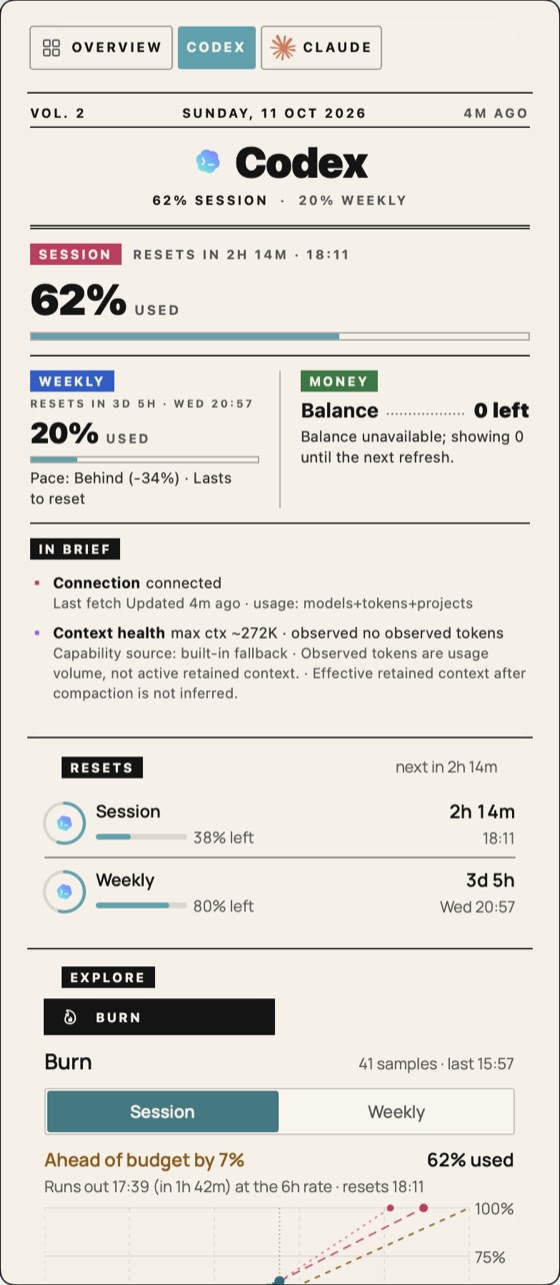
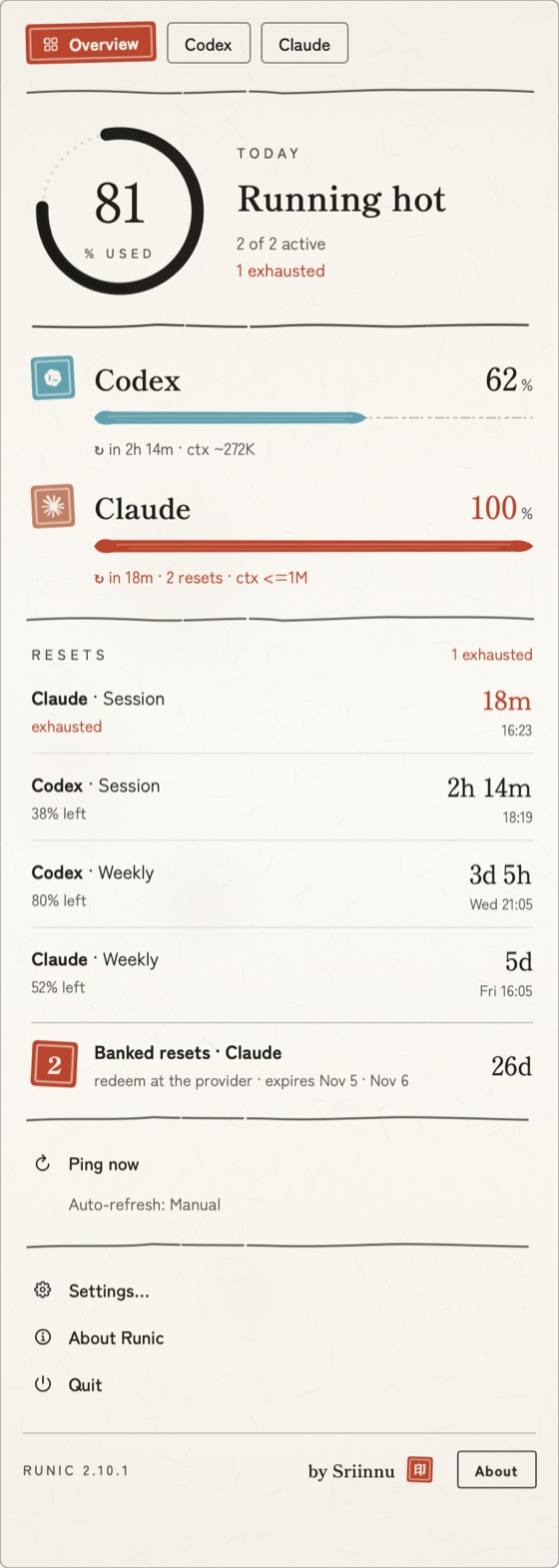
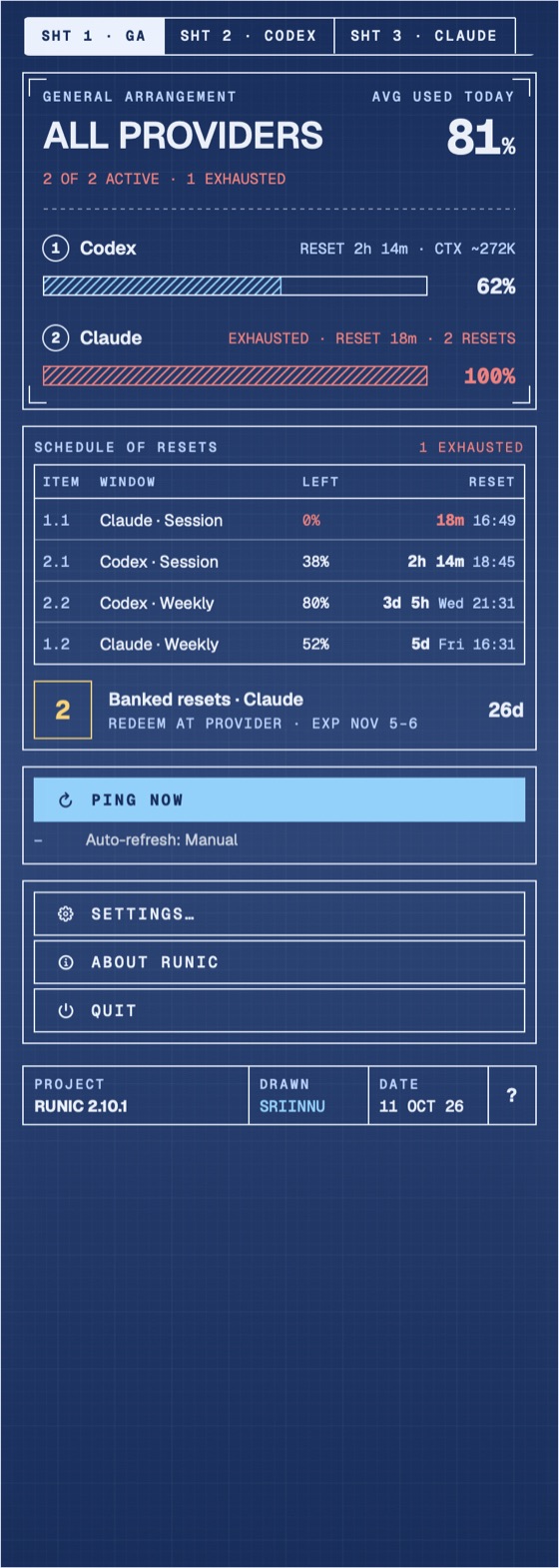
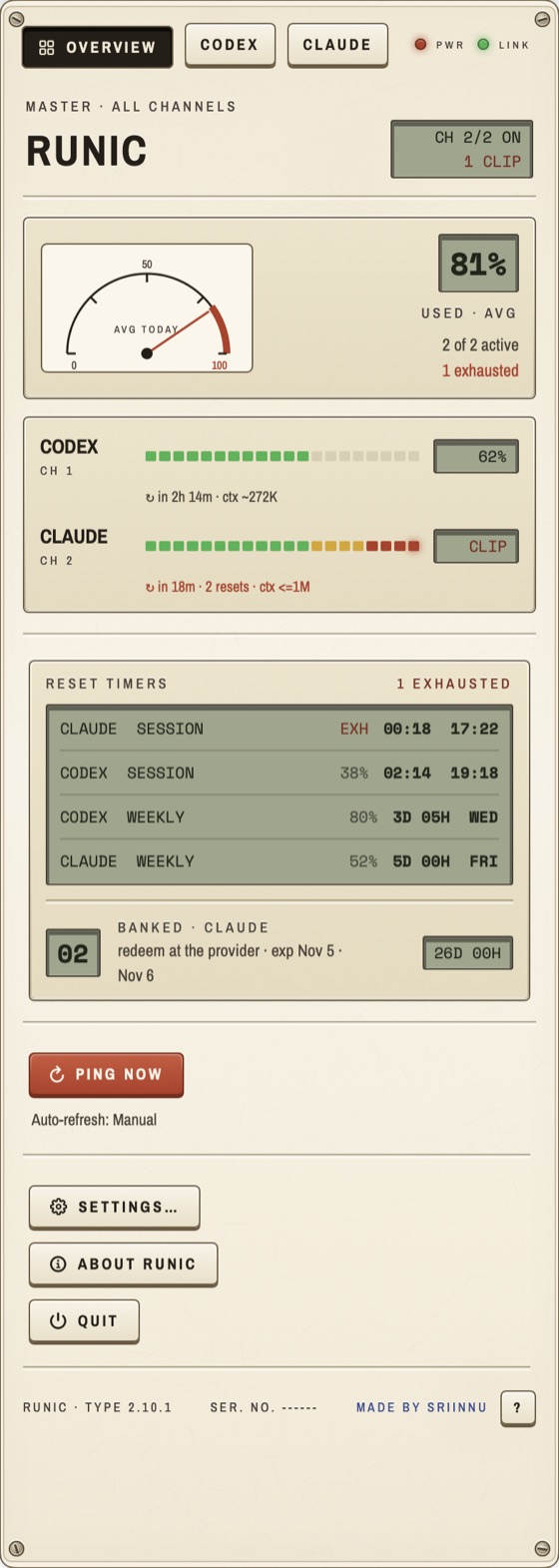
Runic has 13 themes. A theme is tokens: colours, type families, corner radius, motion, density. A skin is the kit those tokens are drawn with: how each page is composed and what the chrome looks like. Several themes can share a skin and differ only in tokens, and a new theme with a new skin changes the metaphor of the panel, not just its colours.
Pick one in Settings → Appearance. The font picker defaults to Theme default, which follows the theme’s own typeface; any family you pick overrides it.
The seven kits
| Theme | Skin | The idea | Faces |
|---|---|---|---|
| Gazette | Gazette | A printed broadsheet: masthead, lead story, columns, pull quote, dotted leaders. | Fraunces, Manrope |
| Sumi | Sumi | Ink on washi: hanko seals, brush-stroke gauges, an ensō for the day’s average, dry-brush rules. | Shippori Mincho, Zen Kaku Gothic New |
| Blueprint | Drafting | An engineering sheet: dimensioned bars, 45° hatching, callouts, a title block. | Geist, Geist Mono |
| Retro | Instrument | A 1970s bench instrument: VU meters, LCDs, keycaps that press in, corner screws. | Archivo Narrow, Space Mono |
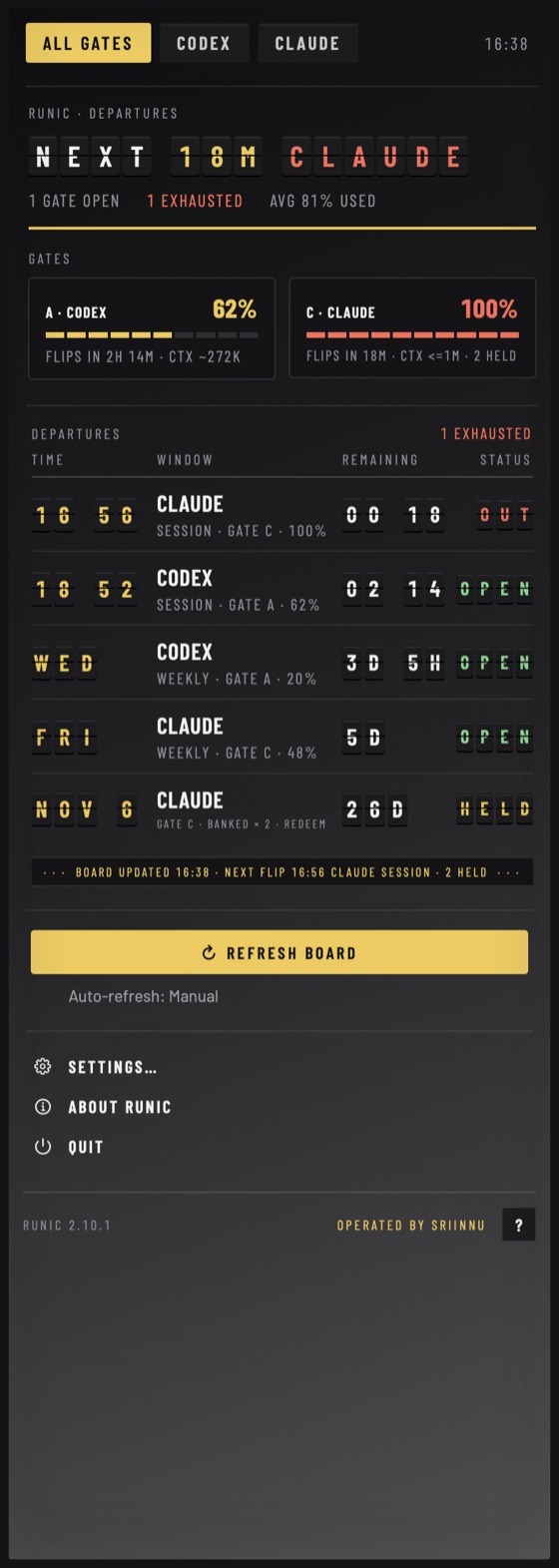
| Departures | Departures | A split-flap board. Every reset is a departure with a gate, a time and a status. | Barlow, Barlow Condensed |
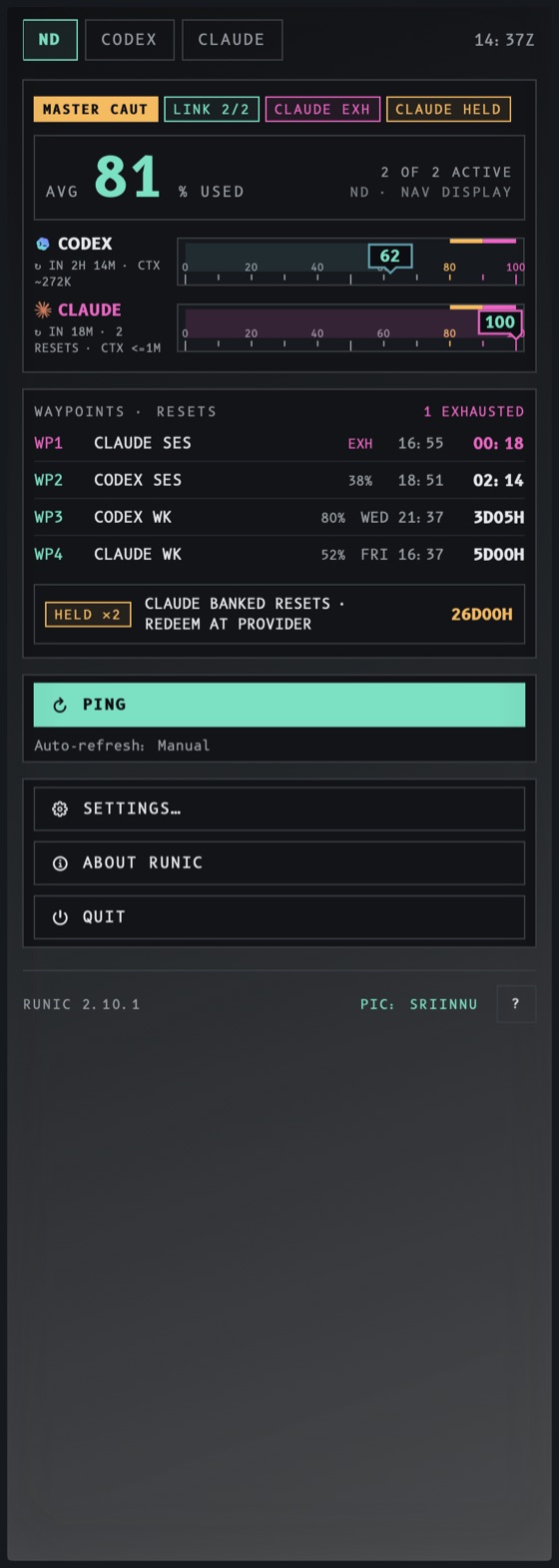
| Flight deck | FlightDeck | An avionics primary flight display. Usage is a tape; pace is the attitude indicator. | B612, B612 Mono |
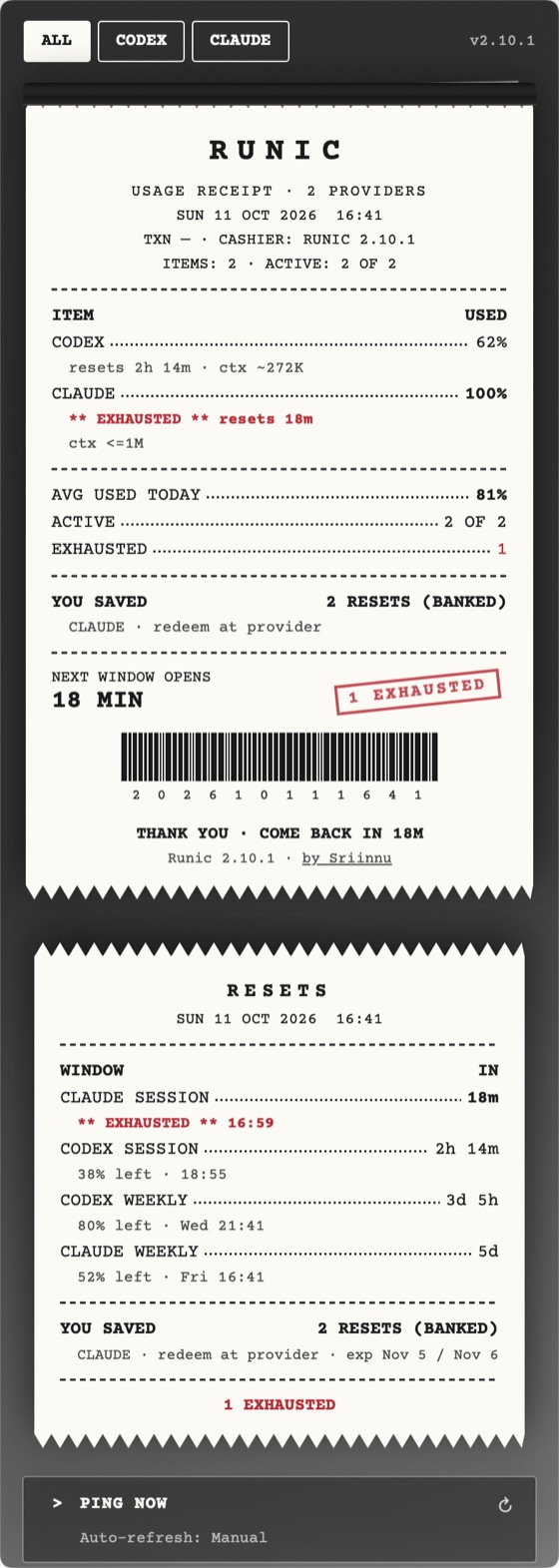
| Receipt | Receipt | Thermal paper. Every ping prints a receipt with line items, a stamp and a barcode. | Courier Prime |
System, Dark, Glass, Terminal, Yantra and Relief draw with the standard kit.
Gazette |
Sumi |
Blueprint · Drafting |
Retro · Instrument |
Departures |
Flight deck |
Receipt |
Renders are from the demo seed, not real accounts.
How a skin works
A skin is a type conforming to RunicSkin (Sources/Runic/Skins/RunicSkin.swift). It composes up to three pages:
providerPage: the provider card (windows, balance, cost, insights).frontPage: the overview of every provider.resetsPage: windows counting down, and banked resets.
and supplies chrome slots the shared surfaces ask for: panel, tabs, chip, actionRow, sectionHeader, note, footer, popoverChrome, panelInset, showsTabTray, and stageOverlay for decoration over the whole popover.
Every slot returns nil for “use the standard rendering”, so a skin implements only what it changes and no view in Views/Menu/ ever branches on a theme id. A theme names its skin with "skin" under style in its JSON; the registry resolves it and falls back to the standard kit for an unknown id, so a hand-edited theme file can never blank the panel.
Fonts
All bundled faces are SIL Open Font License, static weights only. Variable fonts silently fall back to the system face under NSHostingView, so they are never bundled. Faces are addressed by PostScript name (Font.custom("ShipporiMincho-SemiBold", fixedSize:)), and text that uses one carries .skinFace(), which clears the font design a monospaced font pick would otherwise push through the whole panel. Provenance for every file is in Sources/Runic/Resources/Fonts/FONT_PROVENANCE.md.
Writing your own
You can add a theme as data: drop a JSON file in ~/Library/Application Support/Runic/Themes/ with "skin": "standard" (or any bundled skin) and your own colours. A new skin is code; see Contributing.